



Using AI Writing Tools in Professional Workflows — The Complete Guide: Quick answer: In professional workflows, AI writing tools are best used for…
Last updated: October 10, 2026
Quick answer: In professional workflows, AI writing tools are best used for drafting, summarizing, rewriting, and variant generation, not for final judgment or sign-off. A practical starting point is to apply them to 2 or 3 low-risk tasks first and keep a human review step for every output.
AI writing tools can save time in a professional workflow, but only if you put them in the right part of the process. In this guide to Using AI Writing Tools in Professional Workflows — The Complete Guide, I would use them for drafting, rewriting, summarizing, and variant generation; I would not use them to replace judgment, source checking, or final responsibility. The real question is not “Can AI write this?” It is “Where does AI reduce drag without adding risk?” For a broader baseline on AI governance, see the OECD AI Principles and the NIST AI Risk Management Framework. OECD NIST
What AI writing tools should do in a professional workflow
AI writing tools should handle the parts of writing that are repetitive, structurally obvious, or easy to review. That usually means first drafts of emails, meeting notes, outlines, FAQ entries, product copy variations, and summarization of long source material. It does not mean handing over the message, the facts, or the final sign-off.
A useful way to think about it is by task size. For a 120-word internal update, AI can often produce a workable draft in one pass. For a 2,000-word white paper, I would use it to accelerate sub-tasks: outline, section prompts, alternative headlines, and plain-language rewrites. The larger and higher-stakes the piece, the more the tool should be treated as a drafting assistant rather than an author, and for sensitive or regulated work it is wise to consult a qualified professional and follow your organization’s review rules. The U.S. General Services Administration’s guidance on generative AI use in government similarly emphasizes careful human oversight. GSA
The biggest mistake I see in professional settings is using AI where precision matters most and review time is shortest. That can create a problematic combination: fluent text with weak control. A sales page, legal summary, medical explanation, investor note, or executive memo can all look polished while still being wrong, vague, or off-brand. That is not efficiency; it is hidden rework.
I would draw a bright line: if the text can be corrected after publication with little cost, AI can do more of the work. If a bad sentence can mislead a client, breach policy, or damage trust, AI should stay in a narrow supporting role, and a subject-matter expert or another qualified professional should review the work before it goes out. That is the core discipline.
How do I decide where AI belongs in my writing process?
I decide by matching the tool to the risk, the audience, and the amount of structure already in the source material. When those three are clear, the placement of AI becomes obvious. When they are unclear, AI tends to make the process faster in the wrong direction.
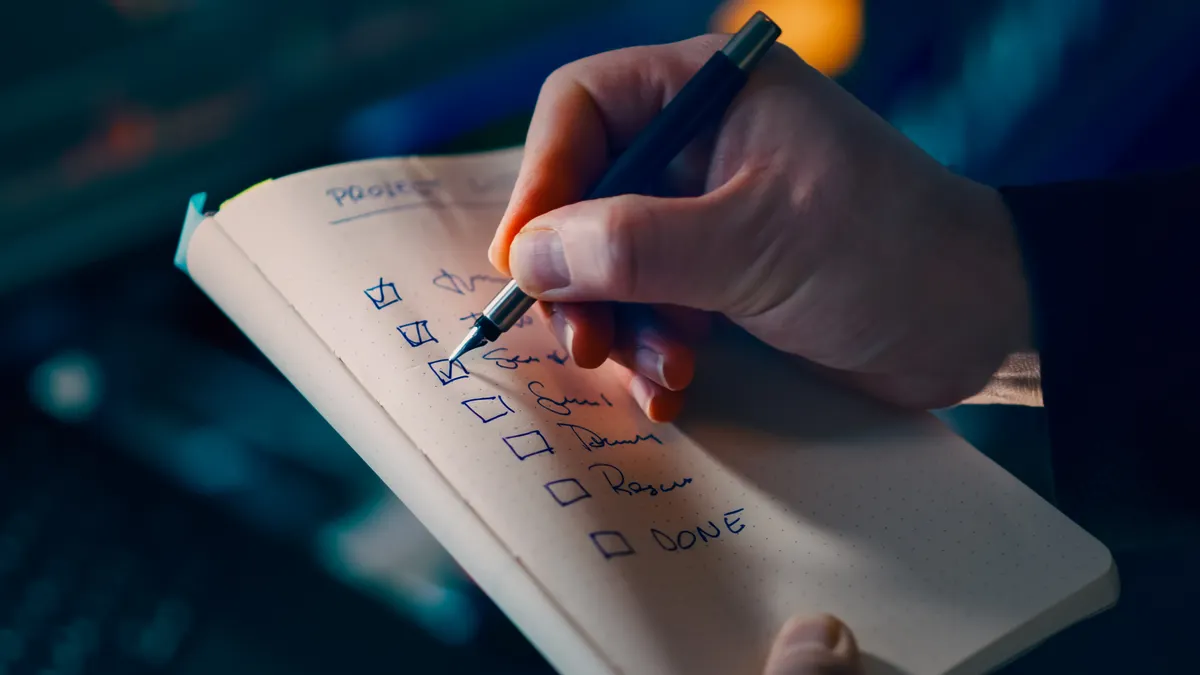
Here is a practical workflow I would use:
- Map the task in one sentence. Write what the piece must do, such as “explain the new onboarding policy to managers” or “turn a 12-slide deck into a 400-word summary.” This gives the tool a target and gives you a way to judge the result.
- Classify the risk level. Decide whether a mistake would be low, medium, or high cost. Low-risk text includes internal drafts and rough summaries. High-risk text includes public claims, compliance language, and client-facing promises. A 30-second classification saves hours of cleanup later.
- Choose the AI role. Use the tool for one of four jobs: outline, draft, rewrite, or compress. Do not ask it to do all four at once unless the source is already clean and the audience is forgiving.
- Prepare source material. Feed it bullet points, approved terminology, links, or a reference document. A model works better with 5 solid facts than with a vague paragraph and no direction.
- Set the output shape. Specify length, tone, audience, and format in plain language, such as “150 words, plain English, first-person plural, three bullets.” This keeps the tool from producing a generic wall of text.
- Review for meaning, not style first. Check whether the draft says the right thing before you edit the phrasing. A polished error is still an error.
- Pass it through human finalization. Confirm names, numbers, dates, product terms, and claims before publication or send-off. This is where the workflow becomes professional rather than merely fast.
The most efficient workflow is often not “AI writes, human edits.” It is “human defines, AI drafts, human selects, human verifies.” That sequence reduces backtracking. It also helps prevent the common failure mode where a team asks the model to compensate for a poorly planned brief, which usually produces more cleanup later.
A good test is whether the task has a stable pattern. If the output follows a known structure — a status update, a client reply, a meeting recap, a standard proposal section — AI usually fits well. If the task depends on subtle legal meaning, a delicate interpersonal tone, or an original point of view, I would keep AI on a shorter leash. In practice, that means using AI to draft around the thinking instead of replacing the thinking itself.
Which tasks are the best fit for AI writing tools?
A qualified best fit is any task that is repetitive, moderately structured, and easy to verify in under 10 minutes. That usually includes drafting routine emails, turning notes into summaries, repackaging long text into shorter formats, generating headline options, and creating first-pass versions of standard documents.
Some examples are especially strong:
- Internal email drafts: AI can turn bullet points into a clear 100- to 200-word note.
- Meeting summaries: It can condense a transcript into action items, decisions, and open questions.
- Content repurposing: One webinar transcript can become a blog outline, social posts, and a short newsletter draft.
- Tone rewrites: It can move a message from formal to friendly, or from technical to plain English.
- Variant generation: It can produce 10 subject lines, 5 CTA options, or 3 headline angles quickly.
The strongest tasks are usually the ones where the structure matters more than the novelty. A weekly project update does not need literary brilliance. It needs accuracy, clarity, and the right level of detail. AI is good at producing “good enough” structure fast, which can free a human to think about what the update should actually say. When you are working on Using AI Writing Tools in Professional Workflows — The Complete Guide, that is often the dividing line between useful assistance and wasted motion.
The worst fit is anything that depends on original reporting, careful interpretation, or strong accountability. If you need a memo that takes a position on incomplete evidence, or a response that must carry legal weight, the tool can help shape language but should not shape judgment. That distinction matters more than the brand name on the software.
I would also be cautious with highly specialized writing where jargon is not the problem but the solution. If a document must use exact terms from medicine, law, engineering, or finance, AI can blur distinctions that professionals care about. In those fields, a sentence that sounds right but is slightly off can cost far more than the time saved.
How do I build guardrails so AI output is usable?
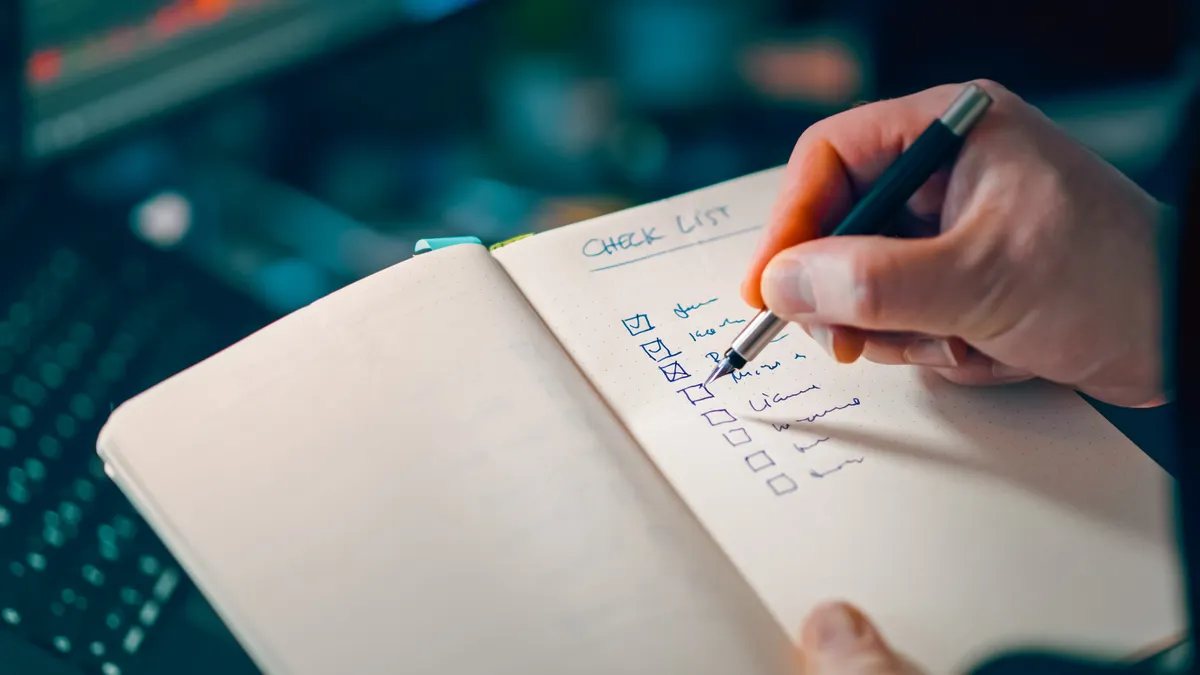
I build guardrails by defining scope, style, sources, and review rules before I ask for a draft. Without those constraints, the model tends to optimize for plausibility rather than utility. A useful draft is one that can survive contact with your standards, not one that merely reads smoothly.
The four guardrails that matter most are:
- Approved source set. Give the model only the material it should rely on: a brief, a fact sheet, an outline, or a policy page. If it is allowed to invent context, it usually will.
- Style constraints. Specify voice, length, level of formality, and banned phrases. A 250-word reply to a client should not sound like a 900-word blog introduction.
- Fact-check checkpoint. Make one person responsible for names, numbers, dates, product details, and links. This is especially important when the draft includes claims pulled from multiple notes or files.
- Escalation rule. If the draft contains uncertainty, sensitive statements, or unresolved questions, it stops there until someone resolves them.
I also recommend a simple prompt template that keeps you from starting from scratch every time. A template does not need to be fancy. It can be as plain as: “Write a 180-word client update from these bullets. Use a calm, direct tone. Do not add new claims. Keep the same terminology. End with one next step.” That kind of instruction produces better output than a vague “rewrite this professionally.” In a workflow guide such as Using AI Writing Tools in Professional Workflows — The Complete Guide, consistency matters as much as creativity.
A good guardrail practice is to separate “drafting” from “approval.” The person who asks for the draft should not be the only reviewer if the content goes out under the company’s name. Even in a small team, a second set of eyes catches the most expensive mistakes: unsupported claims, awkward tone, and missing context.
The trade-off is time. Guardrails add setup time, especially at first. But after a team has a few standard templates, the work becomes quicker, not slower. The time saved on rework usually pays for the discipline.
What are the most common mistakes with AI writing tools?
The most common mistake is treating AI output as finished copy. That costs trust, because readers can tell when text sounds fluent but misses the point. The fix is to treat the first draft as raw material and keep a human accountable for final meaning.
A few mistakes show up again and again:
- Overprompting for polish: Asking for “professional, compelling, and engaging” often yields bland copy with no useful specificity. Better to ask for a clear audience, goal, and length.
- Under-specifying facts: If the tool is not given the right product name, policy detail, or deadline, it may fill gaps with guesswork. That can create embarrassing corrections later.
- Using one prompt for everything: A 2-sentence Slack update and a 1,200-word report need different handling. One prompt format rarely serves both well.
- Skipping the edit pass: AI text usually needs tightening, removal of repetition, and verification of claims. Sending it as-is makes the tool’s limits visible to everyone.
- Ignoring tone drift: The model may sound confident where your brand should sound careful, or chatty where your audience expects precision. Tone errors can be more damaging than grammar errors.
The cost of these mistakes is not just bad prose. It is extra review time, confused readers, and in some cases the need to retract or rewrite public material. For client-facing work, that can mean lost credibility. For internal work, it can mean decisions made on weak text.
My rule is simple: if the draft contains one unsupported claim, one confusing sentence, or one wrong term, it has not saved time yet. It has borrowed time from the next stage. That is the hidden cost many teams miss.
The fix is not to ban AI. The fix is to use it with a tighter definition of done. A professional workflow needs a standard for “ready to review,” “ready to send,” and “ready to publish.” Those are not the same state, and AI should not blur them.
How can I keep quality high without slowing everything down?
I keep quality high by creating a two-pass workflow: one pass for structure and one pass for accuracy. That approach is faster than endlessly editing a weak first draft and safer than publishing straight from the model. It also scales well across teams because the steps are easy to teach.
The first pass is about shape. I check whether the draft has the right audience, the right order, and the right level of detail. The second pass is about substance. I check claims, terminology, dates, names, and any sentence that would matter if quoted out of context.
A simple quality workflow can look like this:
- Pass 1: Structural review, 3 minutes. Does the opening state the point? Are the sections in the right order? Is the length appropriate?
- Pass 2: Fact review, 5 to 10 minutes. Are the numbers, names, and product references correct? Are any claims too strong?
- Pass 3: Tone review, 2 to 5 minutes. Does the text sound like the intended writer? Does it fit the audience and channel?
- Pass 4: Final proof, 2 minutes. Catch grammar slips, duplicated phrases, and formatting errors.
That may sound like a lot, but it is still faster than rewriting a bad draft from scratch. The key is that each pass has a different purpose. If you try to do everything at once, you miss problems because your attention keeps shifting.
Another practical habit is to keep a small “approved language” library. That can include standard company descriptions, product names, disclaimers, and phrases that should not change. When AI writes around that library, the output becomes more consistent and much easier to approve. Even a simple 1-page reference sheet can reduce cleanup.
I would also keep a record of prompts that work. If a prompt reliably produces a strong meeting recap or a clean email draft, save it. A reusable prompt library is one of the easiest workflow upgrades available, and it costs nothing beyond discipline. It also makes output less dependent on one person’s prompting skill.
How should a team adopt AI writing tools without creating chaos?
A team should adopt AI writing tools by standardizing a few use cases first, then expanding only after those use cases are stable. The mistake is rolling out a tool broadly before anyone knows what “good” looks like. That leads to inconsistent output, uneven trust, and arguments about taste instead of process.
I would start with 2 or 3 low-risk workflows:
- internal status updates
- meeting summaries
- first-pass rewrites of routine emails
Those are easy to review, easy to compare, and easy to improve. They also give the team shared experience with the tool’s limits without putting critical work at risk. Once those are stable, you can move toward more complex uses such as marketing drafts, proposal sections, or knowledge-base articles.
For team adoption, the most important piece is not the tool itself. It is the rulebook around the tool. That rulebook should answer a few basic questions: What kinds of writing are allowed? Who reviews the output? What data must never be entered into the system? Which style rules are non-negotiable? Without those answers, the workflow becomes a set of personal habits instead of a shared standard.
Training should be short and specific. A 45-minute session that shows one approved use case, one bad prompt, and one corrected draft is more useful than a long generic demo. People learn the workflow by seeing the difference between “acceptable draft” and “needs work.” That shared standard prevents a lot of downstream friction.
I would also keep adoption measurable in a simple way, even if you do not use hard metrics. Ask whether the tool reduces drafting time, reduces blank-page anxiety, or improves consistency. If it does none of those things after a few weeks, the workflow may be forcing the tool where it does not belong. For a practical implementation reference, Microsoft’s guidance on responsible AI use in workplace settings is a useful external benchmark. (Source: Microsoft)
Key Takeaways
- AI writing tools work best as drafting assistants, not as final authors.
- The safest uses are repetitive, structured tasks that a human can review quickly.
- Good prompts are specific about audience, length, tone, and source material.
- Review should focus on meaning and facts before style.
- Team adoption works best when one or two simple workflows are standardized first.
- If the cost of a bad sentence is high, AI should stay in a supporting role.
FAQ
Can I use AI writing tools for client-facing work?
Yes, but only when the draft is reviewed for accuracy, tone, and brand fit before it is sent. Client-facing text is usually acceptable for AI-assisted drafting, not AI-only publishing.
What should I never let AI write on its own?
I would not let AI make final decisions or produce unsupervised copy for legal, financial, medical, or other high-stakes communication. In those cases, it can help draft language, but a human must own the content.
Is AI better for long documents or short ones?
It is usually more useful for short, repetitive text and for breaking long documents into smaller pieces. Long documents benefit from AI most when the work is divided into outline, draft, and rewrite stages.
How do I stop AI text from sounding generic?
Give the model a real brief, real source material, and a specific output shape. Generic input usually produces generic output.
What is the simplest way to start?
Begin with meeting summaries or internal updates, because they have clear structure and low downside. After that, move to routine client replies or first-pass rewrites.
Drafted with AI; not yet reviewed by a person.