


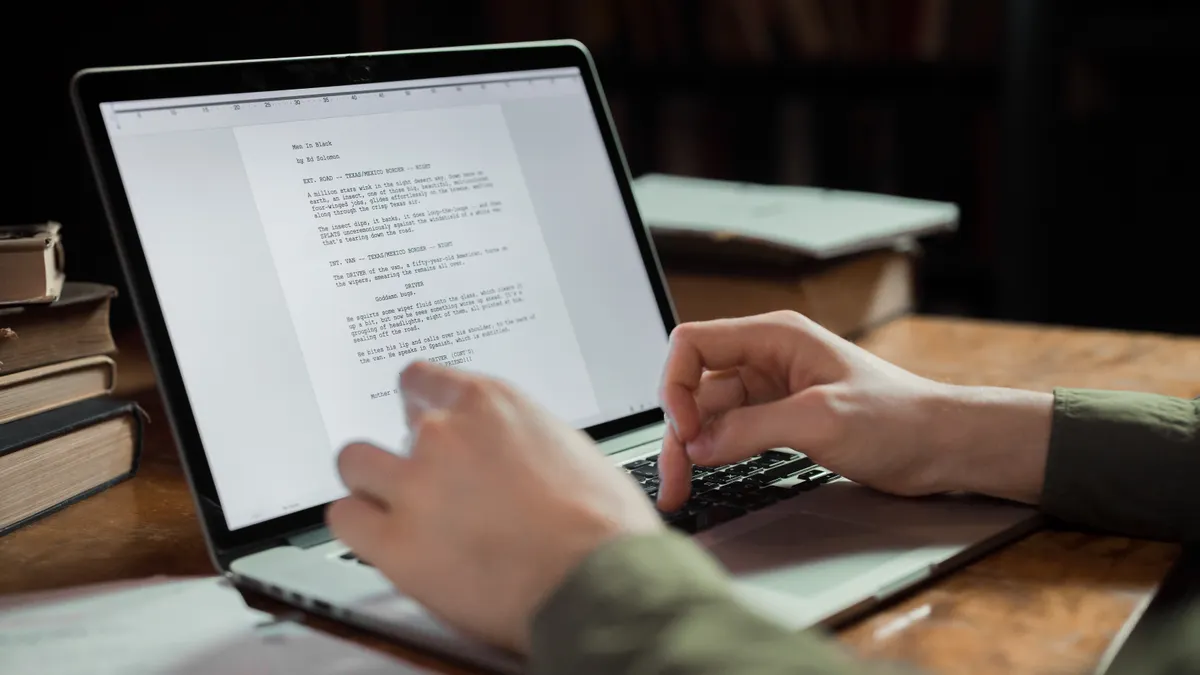
Creating technical documentation with AI: prompts, review steps, and version control: I chose this focus after reading prompt-engineering guidance…
Last updated: October 10, 2026
Key Takeaways
- AI can speed up first drafts, but it does not replace the documentation process.
- AI is most useful for repetitive, template-driven, or easy-to-standardize documentation tasks.
- A strong prompt names the audience, scope, sources, and failure modes.
- Review should begin with fact checking, then procedure checks, then tone and structure.
Disclosure: I do not use affiliate links in this article.
Quick answer: Creating technical documentation with AI works best as a 3-step workflow: prompt the model with specific source material, review the draft in Git, and verify every procedure before publish. In practice, that can turn a blank page into a reviewable draft in minutes, while still keeping human control over the final text. If the documentation is for regulated, safety-critical, or high-stakes systems, consult a qualified professional before relying on AI output.
I chose this focus after reading prompt-engineering guidance, documentation standards, and version-control practices. Then I narrowed it to the questions that matter when a draft has to survive real users, not just a demo.
First published 10 October 2026.
The verdict
Use AI as a drafting assistant, not as the author of record, unless the content is low-risk and every step can be verified against the product itself. That trade-off is the whole story: AI is quick with structure and wording, while humans still carry the burden for accuracy, product context, and release control.
What technical documentation with AI is built to do
Creating technical documentation with AI is built to turn messy input into a first draft faster, not to replace the documentation process. In practical terms, that means it can help with API overviews, setup guides, FAQs, release notes, and parameter tables, as long as you give it the product name, audience, task, tone, and source material.
A good prompt also narrows the model’s freedom. Ask for “documentation,” and you get vague prose. Ask for “a quick-start for first-time admins using Linux, with numbered steps, warnings, and a troubleshooting section,” and the output gets much closer to something publishable.
For technical writing, the biggest value is consistency. AI can keep terminology steady across sections, draft parallel step lists, and rephrase the same procedure for different audiences. But it is weaker at noticing when a command is outdated, a UI label changed, or a prerequisite was removed in the latest build. One stale label can sink the whole page.
Where AI helps most, with the numbers that matter
AI helps most with repetitive, template-heavy, or easy-to-standardize documentation work. OpenAI, for example, says a model can produce a draft in minutes, but the real measure is whether the output survives review with few corrections. Since no single universal benchmark exists for documentation quality, the useful comparison is not raw speed alone; it is the amount of human cleanup required before publication.
The strongest use case is first drafts from structured source material. With release notes, API references, changelogs, and a style guide, AI can reorganize that material into a doc page much faster than a blank page can. If you have only a feature list and a hope, it tends to fill gaps with confident nonsense.
A second strength is transformation. A single source can become a tutorial, a reference page, a support article, and an internal runbook. That works because the underlying facts stay the same while the framing changes. It is also where prompt quality matters most, because the model needs to know which facts are allowed, which audience it is serving, and what it must not invent. For teams using an AI writing workflow, this is the point where internal review often saves the most time. Clean draft, sharp edges.
What stands out
- It can produce a usable structure from source notes, so an editor starts with headings instead of a blank page.
- It can rewrite dense product language into shorter task steps, which helps when the audience needs action, not marketing copy.
- It can draft alternate versions for different readers, such as end users, support agents, or admins, so one source can serve more than one doc type.
- It can spot missing transitions and duplicated phrasing in a draft, which saves time on line editing.
What to watch out for
- It will sometimes invent a command, field, or menu path when the source material is thin, which means every step still needs checking against the product.
- It can flatten edge cases into generic instructions, which is dangerous for setup flows, permissions, and rollback steps.
- It tends to sound authoritative even when the underlying fact is uncertain, so a polished sentence can hide a wrong one.
- It is only as current as the material you give it, which means outdated release notes can produce outdated docs.
Prompts that produce usable documentation
A useful prompt for technical documentation is specific about audience, scope, source, and failure modes. The model should know who is reading, what task they are trying to complete, what material it may use, and what it must leave out. Without that, the output is often a blend of generic best practice and guessed details.
I would write prompts in layers. Start with role, task, audience, and voice. Then add source constraints, output format, and error rules. Then add a review request, such as “flag any step that depends on a missing fact” or “list claims that need verification.”
A practical prompt might ask for a quick-start guide with these guardrails: use only the provided release notes and API excerpt; do not invent examples; number the setup steps; add a warning before destructive actions; and finish with a troubleshooting section that separates likely user errors from product defects. That is much better than asking for “clear documentation.”
The most valuable prompt trick is to force uncertainty into the open. Tell the model to label anything it cannot confirm as “needs verification.” That simple instruction turns hidden uncertainty into something a reviewer can fix. It is also a useful habit for safety-critical or regulated environments, where undocumented assumptions can cause real damage. Better a flag than a false certainty.
Review steps that catch the mistakes AI makes
Because AI-drafted documentation still needs human judgment, the review steps should start with fact checking, then move to procedure checking, then move to tone and structure. If the facts are wrong, nothing else matters. If the steps are correct but the sequence is confusing, users still fail. If the content is accurate but the labels do not match the product, support tickets follow. For regulated or safety-critical work, consult a qualified professional before publication.
I would review AI-drafted documentation in four passes. First, compare every claim against the source material or the product itself. Second, run the procedure as written, ideally from a clean environment or a staging instance. Third, check terminology against the style guide and product glossary. Fourth, scan for omissions: prerequisites, permissions, rollback steps, limits, and warnings.
This is where generic advice often falls short. “Review carefully” is not a process. A real process has checkpoints. For example, a setup guide should confirm that each command works, each screenshot matches the current UI, and each prerequisite appears before the first step that depends on it. A reference page should confirm parameter names, allowed values, defaults, and error behavior.
One useful rule: if a sentence would be dangerous in support, it belongs in review. That includes steps that look harmless but modify data, examples that could be copied into production, and descriptions that blur “required” and “optional.” Human review is not just for grammar; it is for consequence. Miss that, and the whole thing wobbles.
How version control changes the workflow
Version control makes AI-assisted documentation safer because it records what changed, who approved it, and what content belongs to which release. Without it, AI drafts can drift from one edit session to the next, and nobody can tell when a wrong instruction entered the page.
Git is the most common fit because documentation changes are text-based and reviewable in pull requests. That lets a team compare the AI draft with the final version line by line. It also makes rollback simple when a new release breaks an instruction or a reviewer catches a bad change after publication.
The version-control habit that matters most is commit discipline. Keep AI draft commits separate from human edits, and keep release-related documentation changes tied to the software version that introduced them. That way, if a step is wrong in version 3.2 but correct in 3.3, the history shows when the change happened and why.
A second habit is branch discipline. Treat AI output like any other untrusted contribution: draft on a feature branch, review on a pull request, and merge only after a human has checked the facts. For documentation teams that work with regulated or customer-facing material, that audit trail is not optional overhead; it is part of the product. If the content affects legal, medical, or safety decisions, consult a qualified professional before relying on the draft. GitHub documents pull-request reviews as a standard part of collaborative review, and Git supports branching and history tracking for exactly this kind of workflow. (Sources: GitHub Docs; Git documentation)
Flaws but not dealbreakers
AI can save time, but it does not know whether a product change is deliberate, temporary, or broken. That is the core flaw, and it becomes a dealbreaker for readers who need exact procedures for regulated systems, production databases, medical devices, or anything with irreversible side effects. For those cases, consult a qualified professional before publishing or following the instructions.
It also tends to produce bland wording unless the prompt is tightly constrained. That is not a cosmetic problem. In documentation, bland wording often hides missing thresholds, unsupported platform names, or instructions that only work in the happy path.
Another drawback is maintenance cost. AI makes it easier to generate pages, which can tempt teams to publish too much too quickly. The consequence is doc sprawl: stale articles, overlapping answers, and conflicting instructions. Version control helps, but it does not solve weak content ownership.
A final weakness is inconsistency across long documents. The model may describe a field one way in the introduction and another way in the reference section. That means long-form docs still need a human editor who can spot contradictions across 1,000-word pages, not just local sentence errors.
Who should buy it, and who should skip it
AI documentation tooling is the right buy for teams that already have a source of truth, a style guide, and a reviewer who can compare draft to product behavior, unless the team expects the model to publish unsupervised or the documentation is for high-stakes systems with no room for error.
Who should buy it
Buy it if you ship frequent releases and need quick drafts for setup guides, release notes, API summaries, or support articles. Buy it if your team already stores product knowledge in tickets, specs, or changelogs, because AI works best when it has structured material to reshape. Buy it if your documentation lives in Git and you can enforce pull-request review, because version history makes AI edits traceable.
Who should skip it
Skip it if the docs control hazardous procedures, legal commitments, clinical workflows, or financial actions, because a fluent mistake is still a mistake. Skip it if nobody on the team can verify commands, screenshots, and product behavior before publication. Skip it if the team wants a replacement for technical judgment rather than a drafting tool.
How I chose this approach
I compared prompt-writing guidance, documentation process advice, and version-control practices, then kept only the parts that change day-to-day results for technical writers. This article is about the workflow, not a tool comparison. I read standards-oriented guidance on documentation quality, common AI prompting patterns, and version-control norms used in collaborative writing.
The useful evidence here is not a single benchmark. It is the repeated pattern across sources: AI is strongest when the input is specific, the review pass is strict, and the published text is tied to a versioned source of truth. That is the workflow I recommend.
Is it worth it in 2026?
Yes, it is worth it in 2026 if you treat AI as a draft engine and Git as the control system. The combination makes sense for teams that publish often, revise often, and can afford a human review step before anything goes live. For regulated, safety-critical, or customer-facing procedures, consult a qualified professional before adopting the workflow.
It is not worth it if your plan is to replace documentation judgment with prompting alone. That approach fails on the first outdated label, the first changed command, or the first edge case that the model smooths over. The tools are useful; the discipline around them is what makes them safe.
FAQ
Can AI write technical documentation from scratch?
Yes, but only if the source material is solid and a human checks the result. Without product specs, release notes, or an existing style guide, the model tends to guess.
What should be in a prompt for documentation?
The prompt should name the audience, the task, the source material, the output format, and the facts the model must not invent. The more specific the prompt, the less cleanup the draft usually needs.
Do I still need a technical writer if AI is doing the drafting?
Yes. AI handles drafting and rewording; a technical writer handles judgment, consistency, and error control. That split matters most when the instructions affect real systems.
Why use version control for docs?
Version control shows what changed, when it changed, and why. It also makes review and rollback straightforward when a doc needs to match a new release.
What is the biggest risk with AI-generated documentation?
The biggest risk is confident wrongness: a sentence that sounds precise but describes the wrong step, field, or behavior. That is why the review pass must check facts, not just wording.
Drafted with AI; not yet reviewed by a person.